



Wbetz App
For Dutch players who prefer short slot sessions or checking tournament progress on a phone, we offer the Wbetz app. Our mobile casino lets you place real money bets on thousands of games, while giving you a way to manage your account and handle payments. You can install the app from our website and get extra features like mobile wallet deposits and push notifications.



Key Features of the Wbetz App
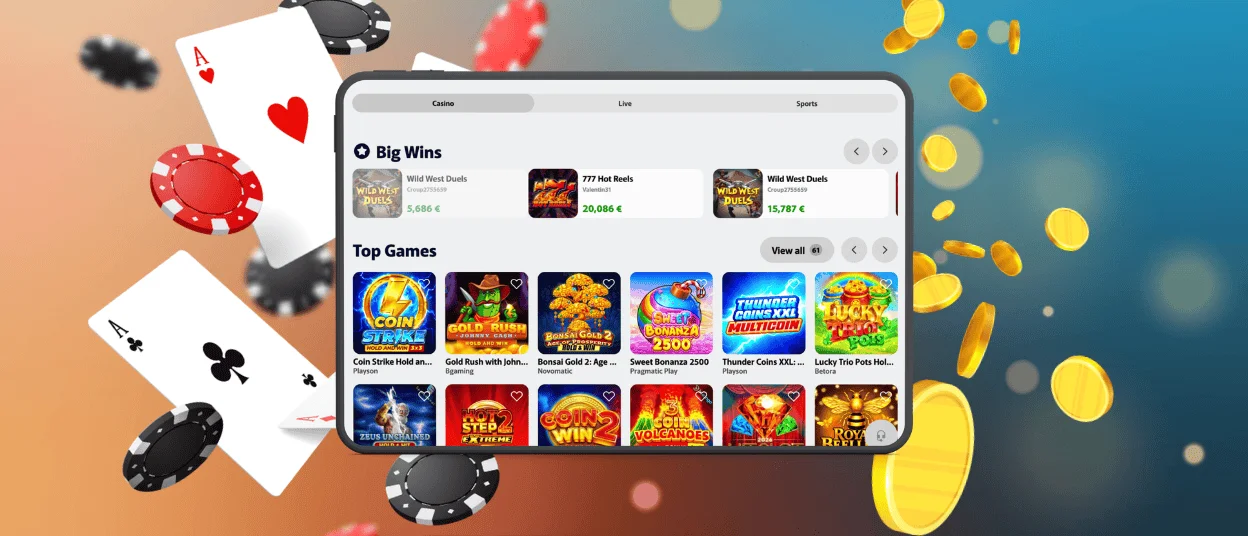
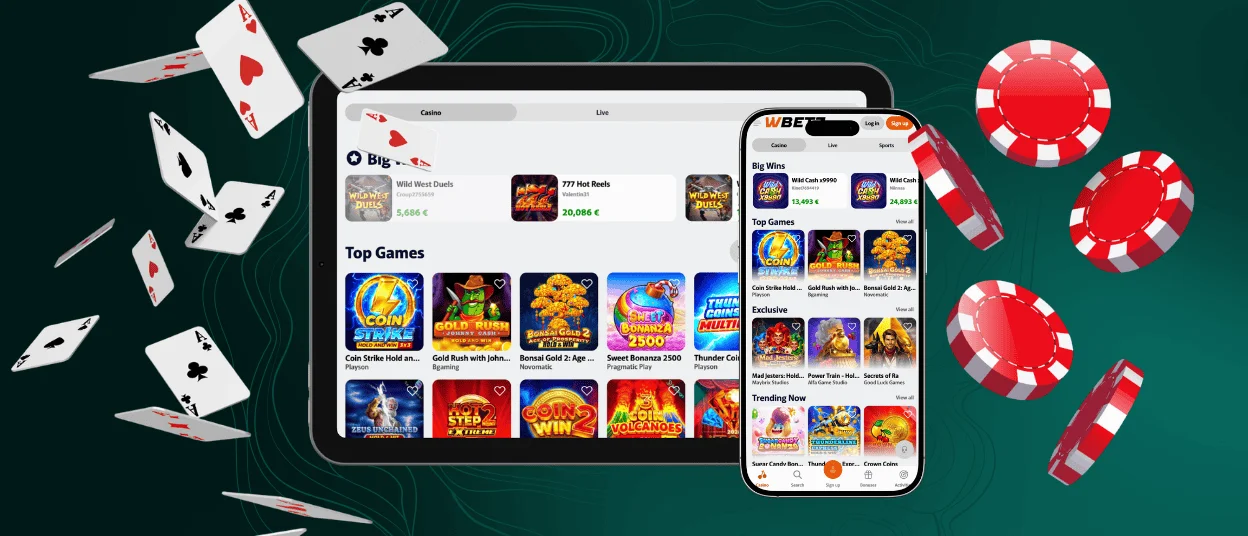
We built our software to make playing at Wbetz Casino simple on any smartphone. Besides the standard side menu, the mobile platform features a bottom dashboard. You can use this to open the payment section right away or search for games. We made the interface and betting buttons large to help you play with just one hand.
You will not lose any functionality with the W Betz app compared to the PC version. You get the exact same slots and live games. You also keep your loyalty program status and all promos. To show you how the app changes your gaming experience, we made a quick comparison.
| User action | Wbetz app | PC website |
| Playing games | Run crash titles in portrait mode to keep the Cash Out button in your thumb zone. Turn to landscape for live tables. | Get a wider view to see visuals and background details. |
| Payment management | Confirm deposits instantly with mobile wallets like Google Pay or Apple Pay. | Type your card details quickly using a physical keyboard. |
| Receiving notifications | Get alerts for new bonuses and missions directly on your lock screen. | Check the Wbetz Casino promo tab manually or review your desktop notification center. |
| Tournament participation | Check your progress and finish mini-tasks wherever you go. | Scroll through long leaderboards and read full event rules comfortably. |
Pros and Cons of the Wbetz App
We update our software regularly to prevent bugs. The Wbetz Casino app runs as a PWA to match the stability of our main website while giving you extra benefits over standard software downloads. Even so, some players prefer sticking to desktop computers.
| Pros | Cons |
| You do not need to download large files or update the W Betz app manually. | There is no biometric login option. |
| You get push alerts on your screen. | Device storage cleanup can occasionally clear the app cache. |
| Pages and games load quickly. | |
| Over 6,000 online slots and live tables are available | |
| The app requires only basic permissions like internet access and alerts. |
Wbetz App for Android
Playing our games without lag doesn’t require the newest Samsung or Google Pixel. To install the Android app, open our website in your phone’s browser and select “Add to Home Screen”. There’s no need to look for Wbetz APK files or launch third-party stores.
The app works well for Android users who want to fit in a few quick slot sessions. You can run new releases like Out of the Woods by Pragmatic Play on your phone. All the background and win animations work just as they do on a larger screen. The layout makes sense for mobile play. The game puts a large spin button in the center. If you hold it down, it starts turbo mode.
You can find your bet settings and the buy feature switches next to it. If your phone battery runs low, just activate the battery saver in the game settings to keep playing. You also have the option to turn on vibration to feel the spins as they land.
Mobile Application for iPhone and iPad
Our players with iOS gadgets can open the casino with a single click straight from their phones and tablets. Here is how you install the Wbetz app:
- Open our site using Safari or a similar modern browser.
- Tap the “Share” button.
- Pick the “Add to Home Screen” option and confirm the action.
iOS users can also save any specific W Betz Casino page to their home screen using the Shortcuts app. It lets you start your session exactly where you want, like a tab with your favorite games or active tournaments.
Play W Betz Casino on Mac or Windows
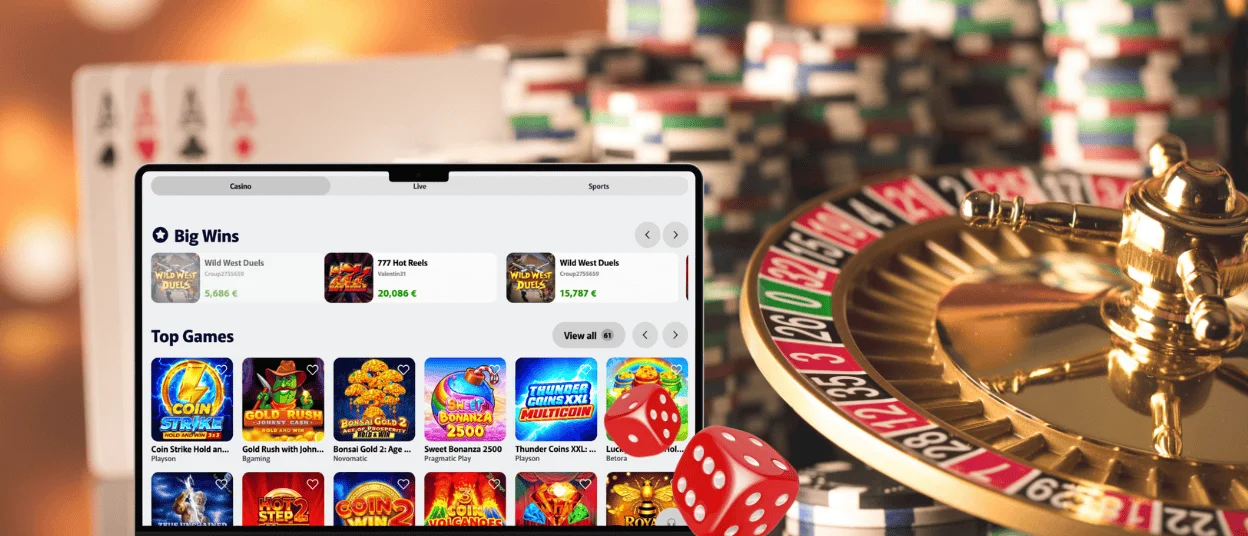
The Wbetz PWA is available on PC too. If you want our casino to stop being one of twenty tabs in your browser and run in a separate window, click the monitor icon with an arrow in the address bar on your Windows or Mac computer.
After that, our software will appear on your desktop. Now you can pin Wbetz Casino to your taskbar. You will not have to download a new version every time. When we make changes to the site, the PWA updates automatically. You will also receive notifications about special offers at our casino.
PWA Security Advantages
Because our mobile software relies on a browser engine, it is as safe to use as the desktop website. You can complete the verification process or make payments from your phone. Your information is fully encrypted and protected by modern security protocols like TLS 1.3. The Wbetz app also brings a few extra features to guarantee additional safety:
- You install the PWA right from our official site. You do not have to look for APK files on third-party sources where viruses often show up.
- You can lock Wbetz Casino with a password or move it to a secret folder. If you happen to lose your device, the casino stays completely out of reach.
- If we find any sort of glitch on the platform, our fixes are installed automatically. You never have to worry about playing on an outdated version.
You can also set up 2FA to protect your account. The mobile software makes this faster because you do not have to look at another device to log in. The authentication app is right there on your phone.
FAQ
What operating systems are supported?
Our PWA works on all modern operating systems. You can install the app on an Android or iOS phone. If you prefer to play on a computer, you can set it up on Windows or a Mac machine. The casino’s also compatible with ChromeOS and Linux.
Does live chat work in the app?
Yes, our live chat widget is available on the W Betz Casino mobile site and the PWA. You can contact our support team at any time. Just select the chat option in the left-side menu to start talking to an agent.
Can I log in to the Wbetz app using biometric authentication?
We do not support biometric login right now. If you want to use Face ID or a fingerprint lock, you can rely on your phone’s settings. Many smartphones let you place a biometric lock directly on a specific folder to keep your apps private. You can also lock the PWA itself.


